Calmony Sanctions MonitorJoin the waitlist
Calmony screens individuals and entities against the OFSI consolidated list — with fuzzy matching, continuous monitoring and a full audit trail. Here is how real compliance teams put it to work.
USE CASE 01 — ONBOARDING KYC / KYB
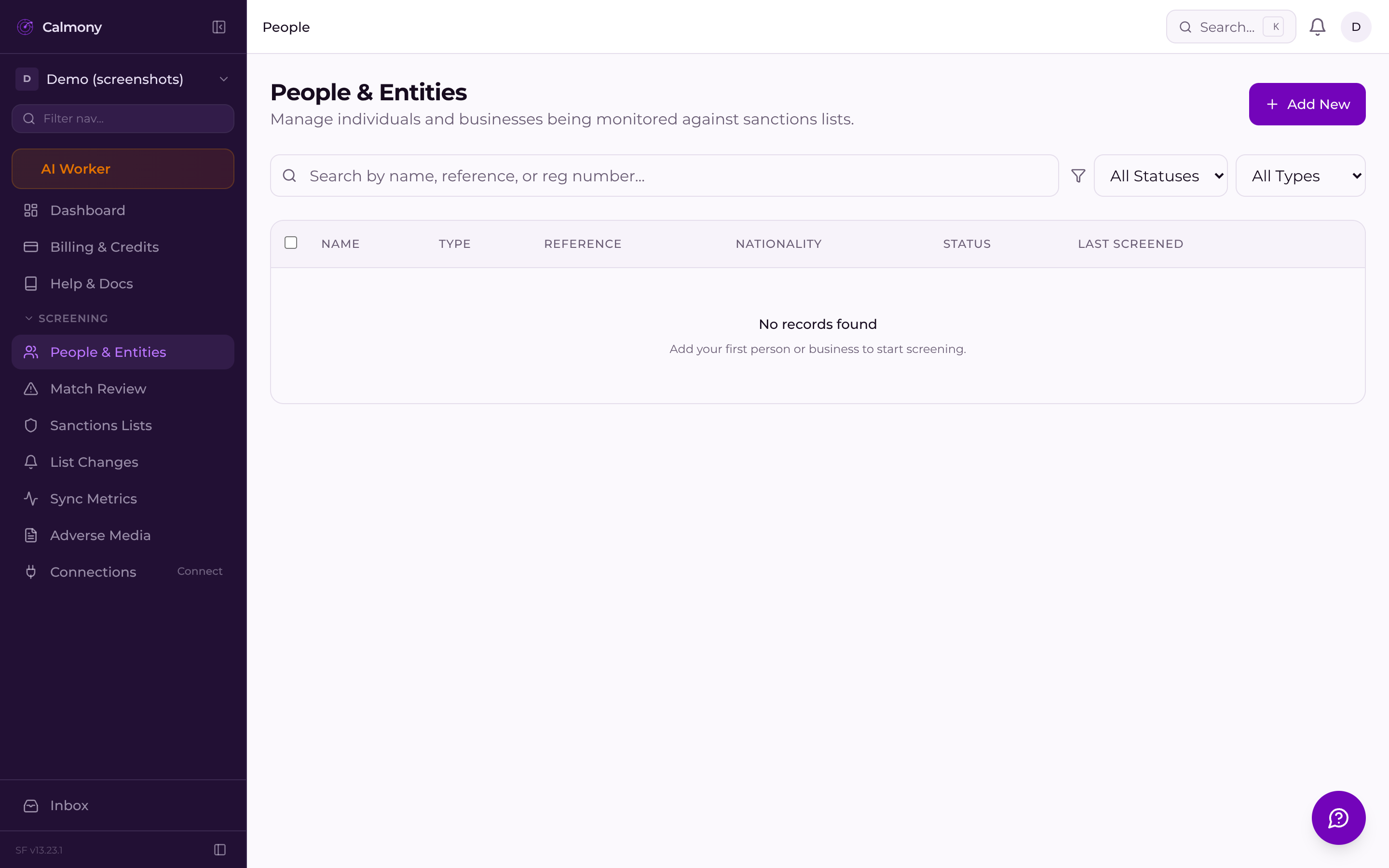
When a new customer, director or beneficial owner is added, Calmony runs an immediate sanctions check against the OFSI consolidated list. Fuzzy matching catches name variants, transliterations and aliases that exact-string checks miss — the names that matter most rarely appear spelled the way you expect.
Instant screen on person creation — no manual trigger required
Fuzzy matching surfaces name variants and known aliases
Match confidence score lets reviewers triage fast
Each check is audit-logged with timestamp and match detail
The OFSI consolidated list is pulled and processed every night. Every monitored person is re-screened automatically — no cron job to configure, no CSV to download, no manual re-import. Your exposure data is as fresh as the list itself.
USE CASE 06 — API-LED INTEGRATION
The REST API v1 lets engineering teams embed sanctions screening directly into onboarding flows, CRM pipelines or back-office tools. Create a person, get a screening result, poll for status — all programmatically, using your own API key.
Send full name, date of birth and nationality. Calmony creates the record and queues an immediate screen.
Name variants, aliases and transliterations are checked. A confidence score is assigned to every candidate match.
Every person added via API is included in the nightly batch. New designations surface in the match queue automatically.
GET the person record to read current status, pending matches and review outcomes — bring the result back into your own system.
Join the waitlist and be among the first compliance teams to access Calmony Sanctions Monitor. Questions? Email sf-core-org-support-calmony-sanctions-monitor@saas-factory.ai
USE CASE 02 — MATCH REVIEW WORKFLOW
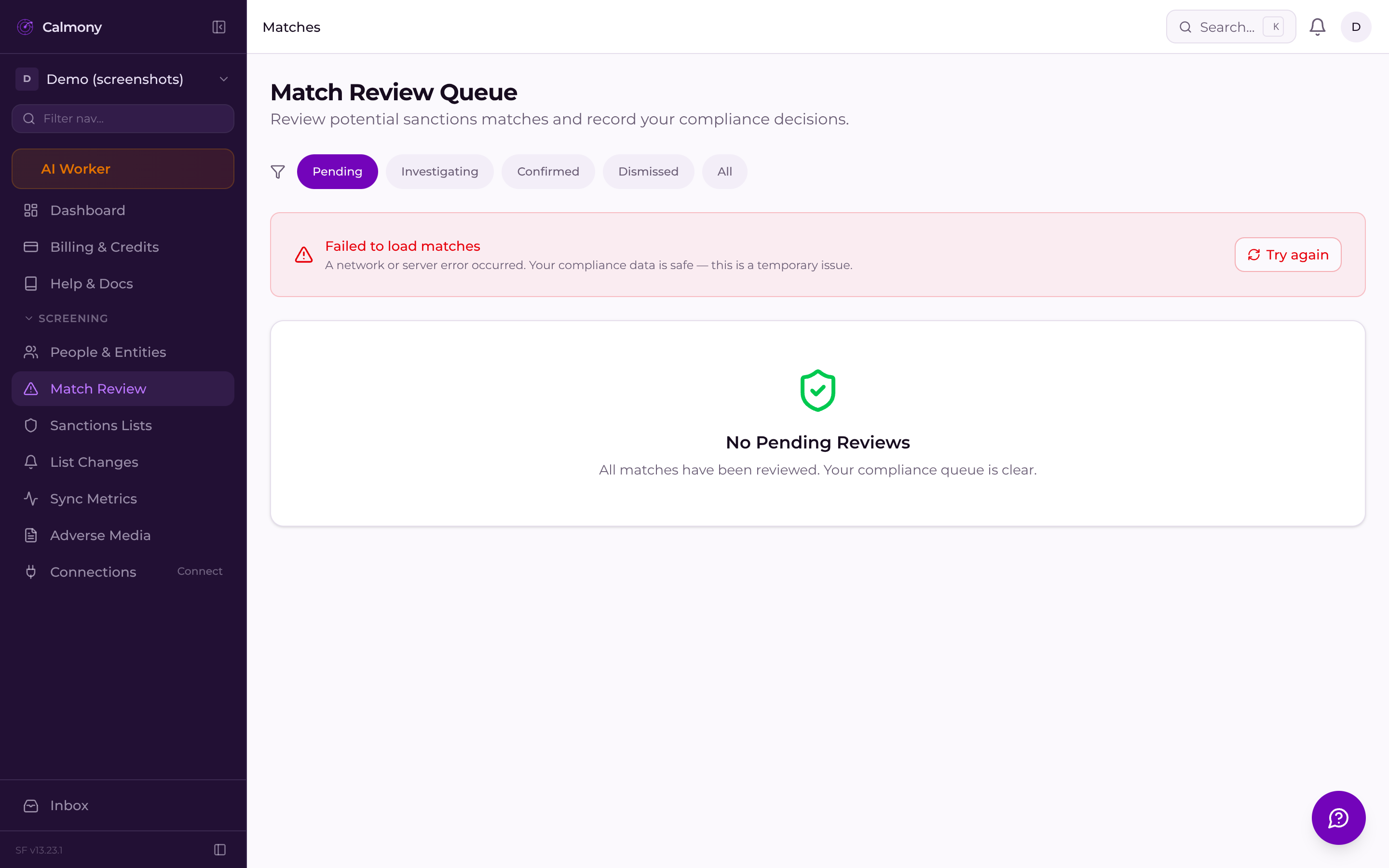
Every potential match surfaces in the Match Review queue. Compliance officers see the matched name, the sanctioned entity details, and the confidence score side by side. They can confirm a true match, dismiss a false positive, and add a rationale note — all stored against the record as a defensible audit trail for regulators.
USE CASE 03 — CONTINUOUS MONITORING
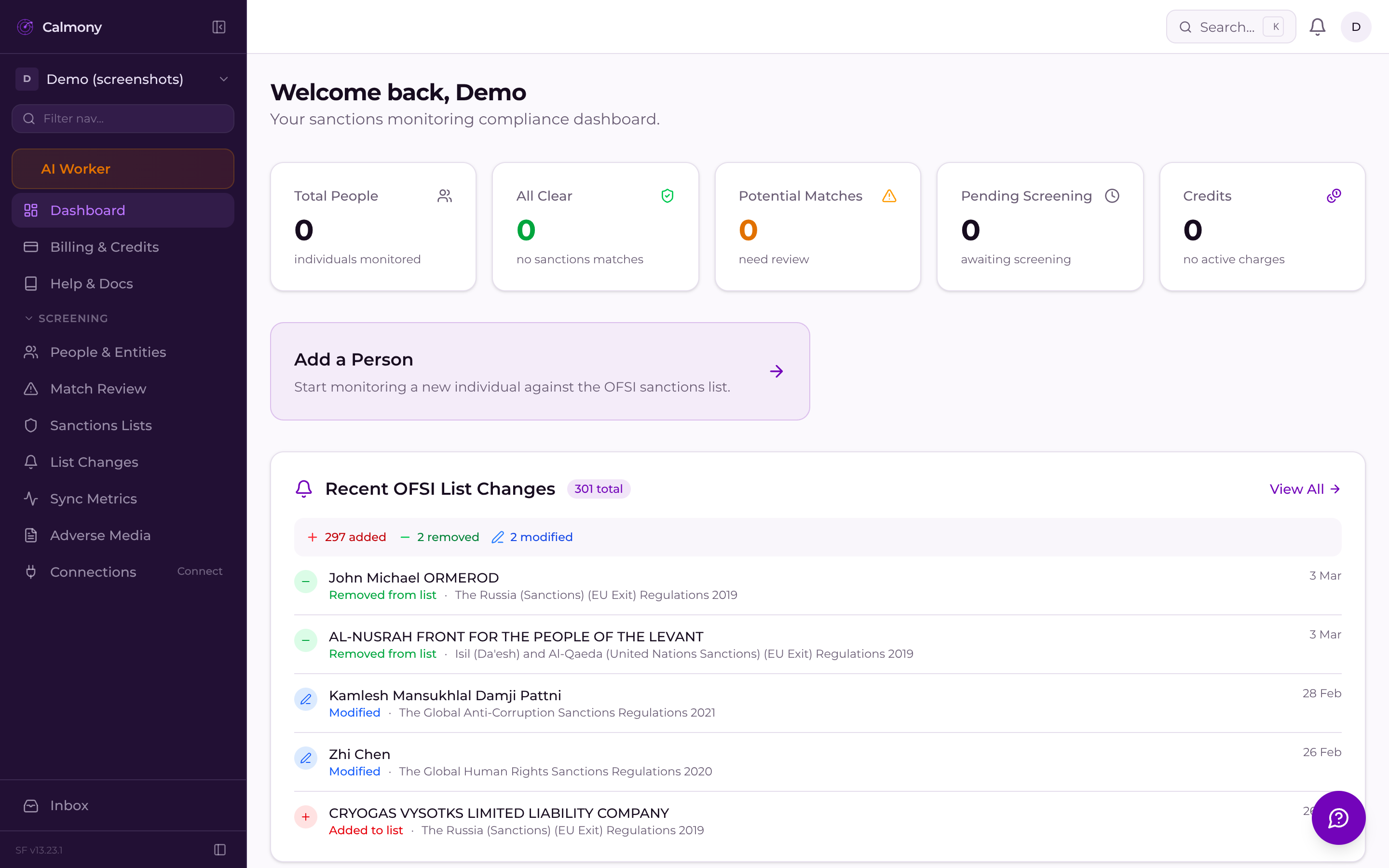
Sanctions lists change without warning. Calmony's monitoring dashboard gives your team a live view of every individual's current status — clear, pending review or matched. New designations trigger automatic re-screening across your full population overnight.
New sanctions designations are processed the night they appear on the OFSI list. Your monitored subjects are re-checked automatically.
See matched, pending review and clear counts at a glance. Filter by status or date to find exactly what needs attention today.
USE CASE 04 — ADVERSE MEDIA MONITORING
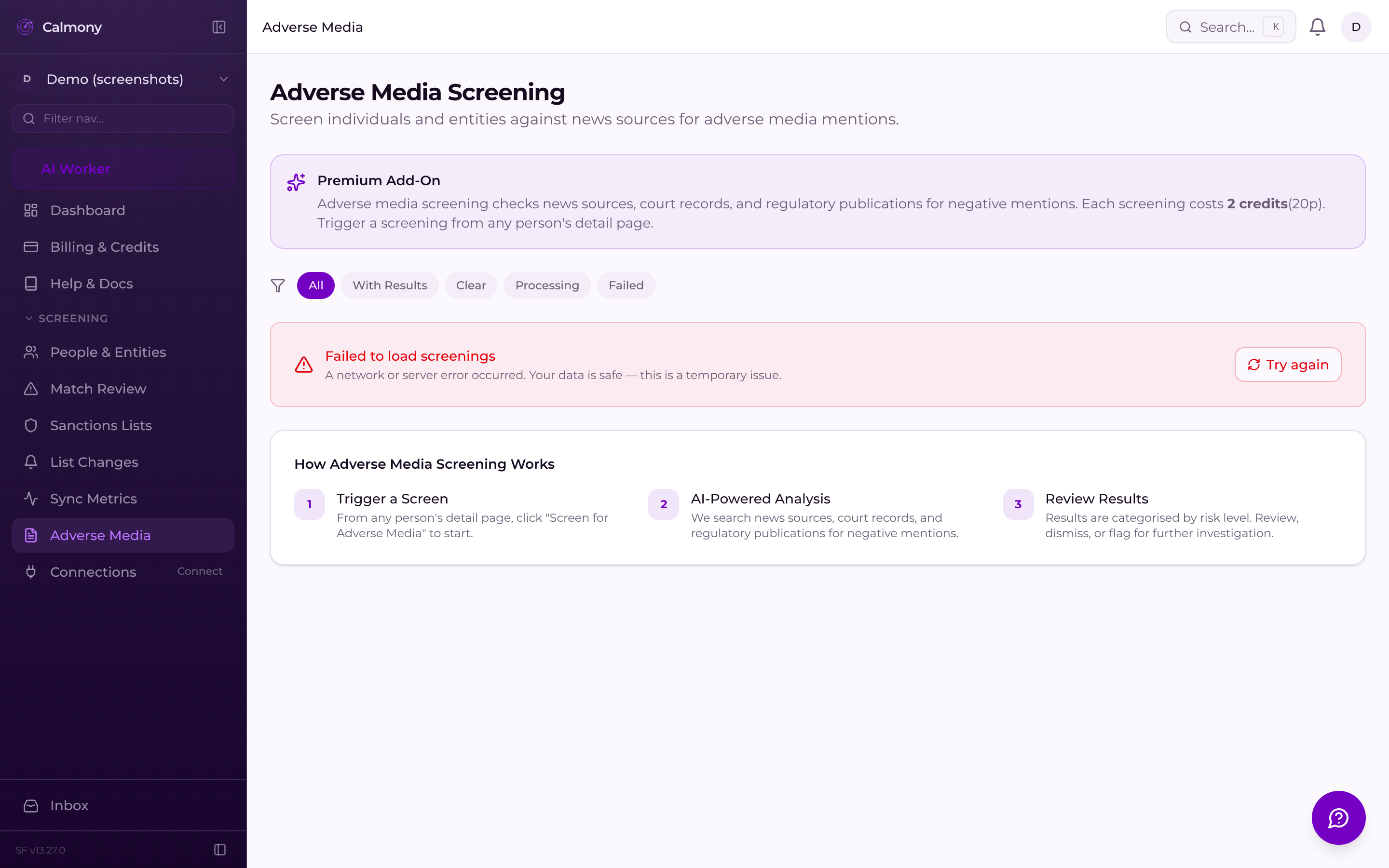
Sanctions screening tells you who is designated today. Adverse media monitoring tells you who is likely to be designated tomorrow. The adverse media dashboard gives compliance teams a place to track and document negative news signals against monitored subjects — supporting a holistic risk picture alongside the formal OFSI list checks.
Dedicated adverse media section within the monitoring dashboard
Document and review media signals against named individuals
Integrated with the same people and entities your sanctions checks cover
USE CASE 05 — COMPLIANCE REPORTING
The dashboard gives senior compliance officers an aggregate view: total people screened, matches found, matches reviewed, pending items. Every individual screening event is retrievable. The audit trail export covers who was screened, when, against which list version, and what the outcome was — the complete evidentiary record.
WHO THIS IS BUILT FOR
Own the sanctions programme end to end — from first screen to regulatory report — with a dashboard built for your exact workflow.
Run sanctions checks as part of client onboarding without switching tools. Every new person screened immediately, every result logged.
Side-by-side match detail: subject data vs. sanctioned entity
One-click confirm or dismiss with mandatory rationale capture
Review history stored and exportable for regulatory inspection
Pending match count visible on the dashboard at a glance
Every screening event, match decision and status change is logged. Export to CSV for regulator submissions or internal governance reviews.
Aggregate screening stats available at the top of every session
Full screening history exportable to CSV for external audit
List version tracked with every check — demonstrate currency
OFSI list change log shows additions, removals and updates
Embed screening into your own platform via the REST API. Manage API keys, test in the docs sandbox, and integrate in an afternoon.
